How to Redeem Survive The Slope! Codes
Generic Roblox redeem habits plus game UI tips so you claim rewards the moment codes go live.
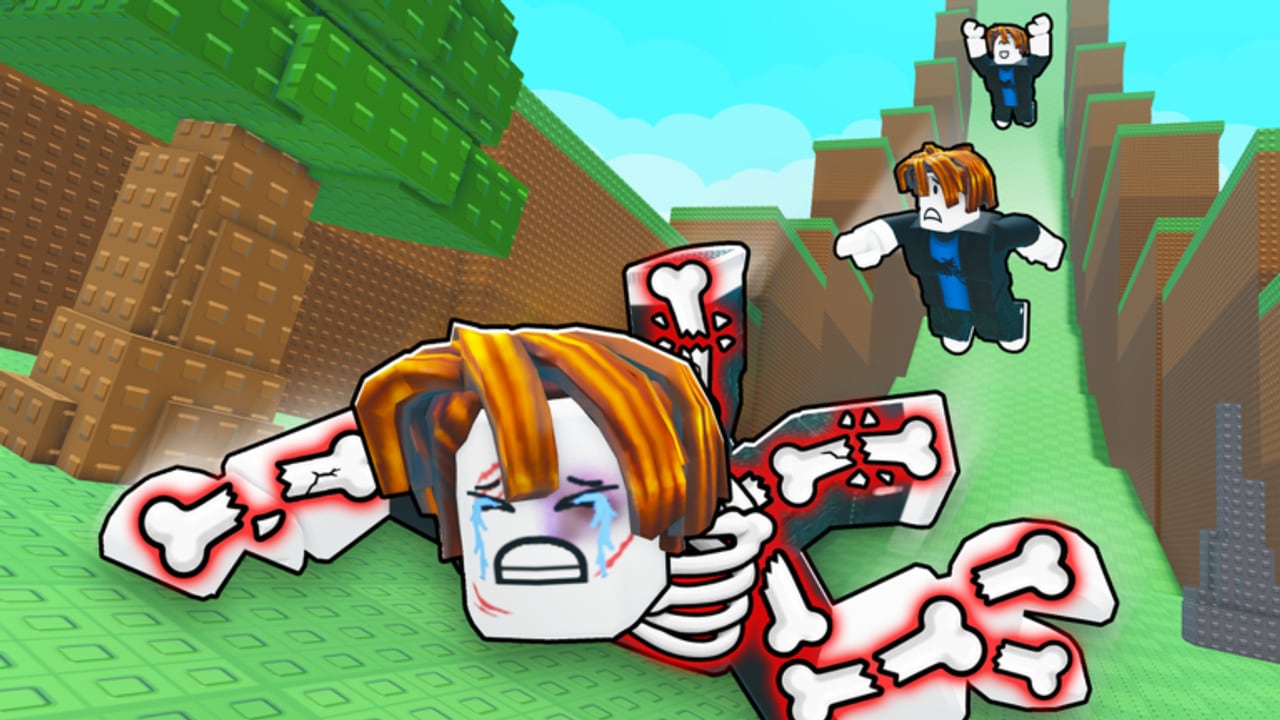
This guide explains how to redeem codes in Survive The Slope! and what to do when a code fails. Important context first: as of September 2026 there are no public working codes for this game. The steps below prepare you for the first official drop and match how most Roblox experiences handle promo strings. When a code is confirmed, start from the Codes Hub for the live list, then return here if redemption fails.
Survive The Slope! is a max-6 physics slide game from StarBite Bones (ops: BCH Studios). Distance earns cash, cash buys upgrades, and broken bones end the run. A working code—if released—usually injects cash or related rewards into that loop. Redeeming correctly matters because codes are typically one-time per account and can expire within hours of a milestone announcement.
Before you redeem
- Confirm the code is for Survive The Slope! specifically—not classic Slope, Slippery Slopes, or Survive The Swarm.
- Check the Codes Hub status. If the hub still says no active codes, skip random YouTube thumbnails.
- Join or favorite the live place so you can relaunch quickly after an update.
- Have the code copied from an official source (StarBite Bones group shout, BCH Studios post, or in-game banner).
- Play on a stable connection. Soft disconnects sometimes eat the redeem response even when the server accepted it.
Step-by-step: typical Roblox redeem flow
Exact button names can shift after UI updates, so treat labels as expectations and confirm them in your current build:
- Launch Survive The Slope! from Roblox on Desktop, Mobile, or Tablet.
- Wait until you reach the lobby / hub (not mid-slide). Most games only expose Codes from the safe menu, not during an active run.
- Look for a Codes, Shop, Store, Rewards, or Settings button on the edges of the screen.
- Open that panel and find a text box labeled Enter code, Redeem, or similar.
- Paste the code exactly. Do not add spaces before or after. Match capitalization.
- Press Redeem / Claim / Submit.
- Watch for a success toast, cash popup, or inventory update. If nothing appears, check your cash total and any spin currency before retrying.
- If the UI is missing entirely, the game may not have enabled public codes yet—or your client needs a refresh after a patch. Rejoin the server and check Updates.
Desktop tips
- Use Ctrl+V (Windows) or Cmd+V (Mac) to paste; typing long codes by hand causes most failures.
- If the cursor will not focus the box, click the field once, dismiss any tutorial overlay, then paste.
- Fullscreen overlays from game passes or update changelogs can block the Codes button—close those first.
Mobile and tablet tips
- Rotate to landscape if the Codes button sits under the Roblox system bar.
- After pasting, dismiss the on-screen keyboard so the Redeem button is tappable.
- If Roblox clipboard paste is blocked, type carefully and double-check every character.
- Keep the app updated; older mobile clients sometimes fail to show new lobby buttons after a place update.
Exact typing rules that break codes
Promo codes fail for boring reasons more often than “server down”:
- Extra space at the start or end
- Wrong capitalization when the code is case-sensitive
- Confusing
0andO, or1andl - Using a code already redeemed on that account
- Using an expired milestone code from an old screenshot
- Entering a code from a different game with a similar name
Best practice: paste once, do not edit, and only retry after you read the error text.
Troubleshooting checklist
| Problem | Likely cause | What to try |
|---|---|---|
| “Invalid code” | Typo, wrong game, or fake list | Re-copy from official source; confirm Codes Hub |
| “Already redeemed” | Account already claimed it | Stop retrying; check cash/rewards |
| “Expired” | Timed milestone ended | Remove it from your notes; wait for the next drop |
| No Codes button | Feature not live or UI changed | Rejoin after update; check Settings/Shop panels |
| Button does nothing | Overlay, lag, or client desync | Close menus, rejoin server, retry once |
| Success with no reward | UI delay or wrong currency tab | Recheck cash, spins, and inventory after 10–20 seconds |
If every public code fails with Invalid while the Codes Hub still shows none active, you are not missing a secret list—the game simply has not published working promos yet.
Account and safety notes
- Never enter codes on phishing sites that ask for your Roblox password.
- Never “verify” a code by downloading an executor or
.rbxlfile. That path belongs to script safety, not code redeeming. - Prefer redeeming on your own account in the official Roblox client or app.
- Do not share account cookies or session tokens with “auto redeem” bots.
Codes should only ever be typed into the in-game redeem field for Survive The Slope!
After a successful redeem
Spend rewards with intent. Early cash is usually strongest in durability and income multipliers so your next slides last longer—see the Upgrades guide and community upgrade tier list. If you received spins or related currency, decide whether grinding spins or buying the cheap Auto Spin pass fits your Robux budget. Then jump back into a focused run using high distance tips.
Related pages
- Codes Hub — live status and watch list
- Updates Hub — when milestone codes are most likely
- Getting Started — first-hour plan if you are new
- Scripts Safety — why executors are not part of redeeming
Frequently Asked Questions
Quick answers for Survive The Slope players.
Where is the Codes button in Survive The Slope!?
Check the lobby for Codes, Shop, Store, Rewards, or Settings panels. Exact placement can change after updates—confirm in your current build. If no redeem UI exists, public codes may not be enabled yet.
Why does my code say invalid?
Usually a typo, trailing space, wrong game, expired string, or a fake list. Paste again from an official StarBite Bones or BCH Studios source and compare with the Codes Hub.
Can I redeem the same code on multiple accounts?
Most Roblox promo codes allow one redeem per account. Alts may work if rules allow, but always follow Roblox Terms of Use and never share passwords.
Do I redeem codes mid-run while sliding?
No. Return to the lobby or hub menu first. Active runs often hide or block the redeem UI.
Are there codes to redeem right now?
As of September 2026, no public working Survive The Slope! codes are verified. Use this guide when the Codes Hub lists a live drop.